// Galeria
Stonerid Steam CD Key
base|Steam|3|Action|Indie
Nome original: Stonerid
// idiomas
Ficha técnica
- // Desenvolvedor
- Enitvare
- // Editora
- Enitvare
Como ativar
Go to: http://store.steampowered.com/ and download STEAM client Click "Install Steam" (from the upper right corner) Install and start application, login with your Account name and Password (create one if you don't have). Please follow these instructions to activate a new retail purchase on Steam: Launch Steam and log into your Steam account. Click the Games Menu. Choose Activate a Product on Steam... Follow the onscreen instructions to complete the process. After successful code verification go to the "MY GAMES" tab and start downloading.
Descrição
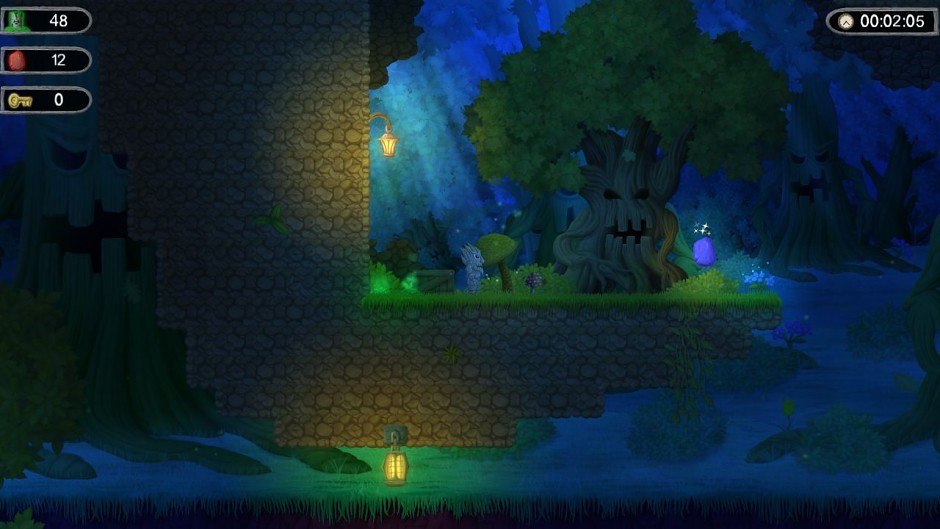
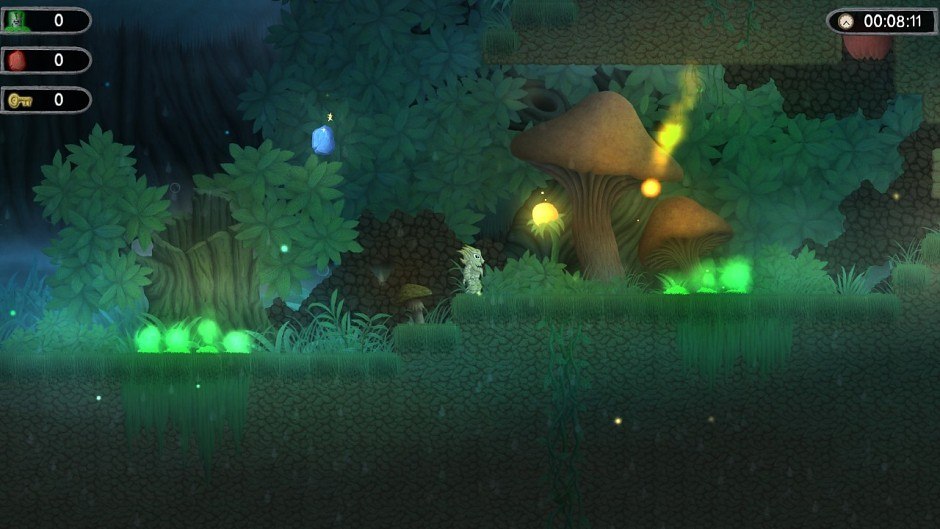
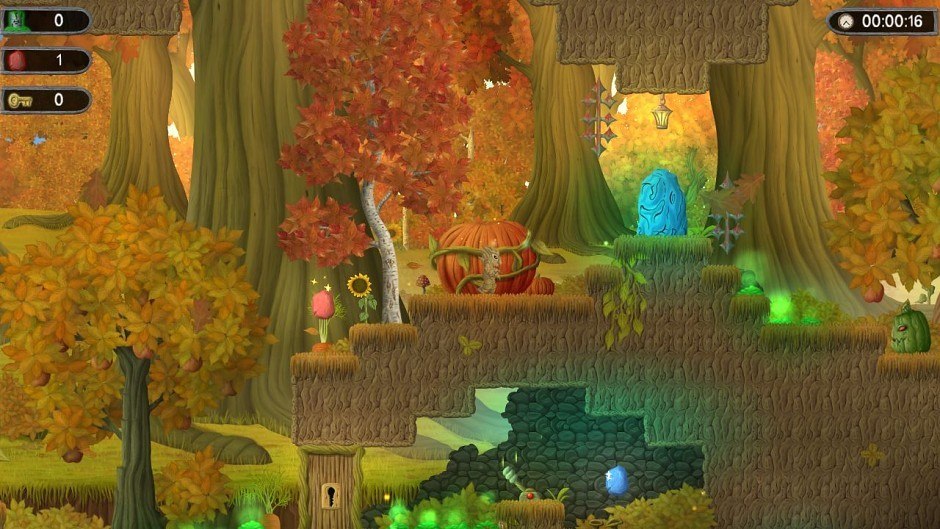
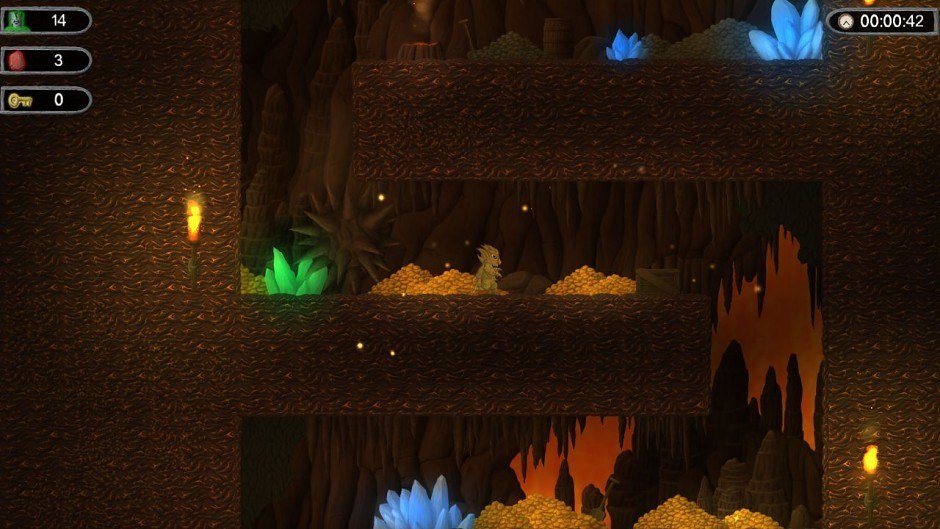
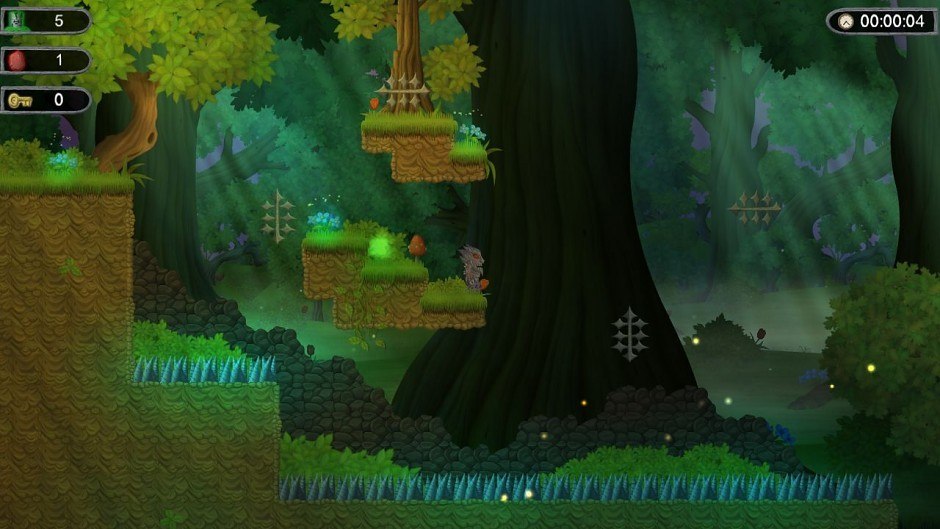
Stonerid Steam Key Platform: Steam Release Date: 30 Nov 2013 Product Description Stonerid is an unusual and really difficult 2D platformer for Windows. The most important feature of the game are two parallel, different worlds. To finish each of 32 different levels, one must deftly use differences between alternative dimensions. Unconventional game style, and lots of dangerous traps and monsters make it extremely difficult to rise to the challenge. The main task is to solve the mystery of toxic substances that have appeared unexpectedly on Atronast Mountain. Features 32 extensive levels with 2 parallel, differently designed worlds 31 bonus levels especially for players who like new challenges 5 diverse lands 3 difficulty levels unique gameplay mechanisms wonderful artwork beautiful, moody soundtrack System Requirements OS: Microsoft® Windows® XP / Vista / 7 / 8 Processor: 2.0 GHz Memory: 1 GB RAM Graphics: 512 MB, Shader Model 2.0 DirectX: Version 9.0c Hard Drive: 600 MB available space Sound Card: Compatible with DirectX®: 9.0c Additional Notes: keyboard and mouse required, optional Microsoft Xbox 360 Controller
Requisitos
Entrega instantânea
Receba sua chave na hora após o pagamento
Compra segura
Pagamento criptografado e protegido
Chaves originais
Produtos 100% legítimos e garantidos
Suporte 24/7
Estamos aqui sempre que precisar
Você também pode gostar