// Galeria
AVG PC TuneUp 2025 Key (3 Years / 3 PCs)
software|Other|3|Software
Nome original: AVG
// idiomas
Como ativar
To install AVG PC TuneUp, follow these steps: Click https://www.avg.com/en-ww/download-thank-you.php?product=GSE-2019 to download AVG PC TuneUp. Right-click the downloaded setup file and select Run as administrator from the context menu. In the User Account Control dialog, click Yes to allow AVG to make changes to your PC. Select your preferred language from the drop-down menu, then click Continue. Type your license number and click Install now. Click Scan now to begin using the program. If you are using a trial version of AVG PC TuneUp or your paid license has expired, you can activate the product via the AVG PC TuneUp interface. Open the AVG PC TuneUp interface. Click Help, then select Activate product from the drop-down menu. Type your license number into the Product key field and click Next, then click Finish. AVG PC TuneUp is now activated and ready to use.
Descrição
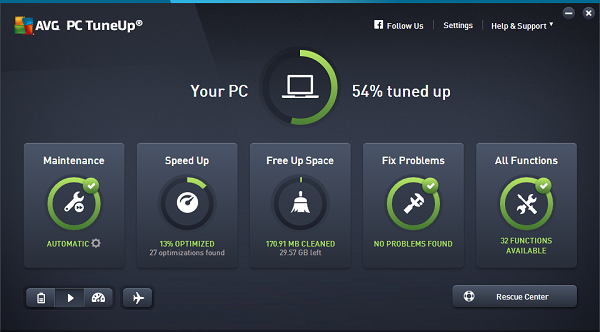
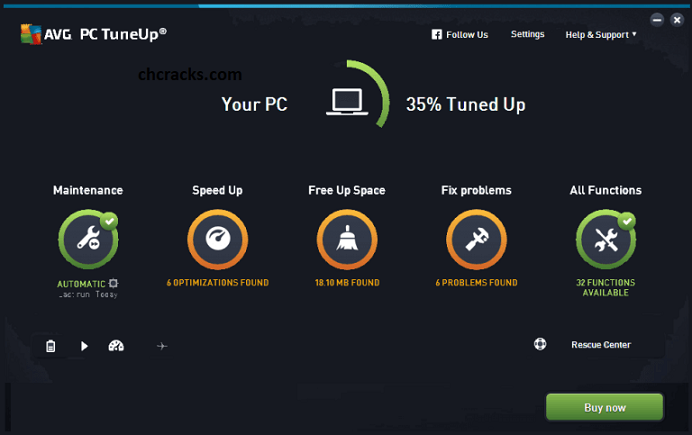
Make your old PC live longer — and your new PC run faster — with AVG TuneUp. Features Get all-round automatic maintenance Speed up your Windows PC Uninstall software you don’t need Remove junk files to free up space Update your programs automatically
Requisitos
Windows
- OS: Windows 7, Windows 8 or Windows 10
Entrega instantânea
Receba sua chave na hora após o pagamento
Compra segura
Pagamento criptografado e protegido
Chaves originais
Produtos 100% legítimos e garantidos
Suporte 24/7
Estamos aqui sempre que precisar
Você também pode gostar