// Galeria
Ashampoo Photo Converter 2 Activation Key
software|Other|3|Software
Nome original: Ashampoo Photo Converter 2
// idiomas
Ficha técnica
- // Desenvolvedor
- Ashampoo GmbH & Co. KG
- // Editora
- Ashampoo GmbH & Co. KG
Como ativar
Download the trial version here: https://www.ashampoo.com/en-us/photo-converter/ Install the software Activate the key directly in the software
Descrição
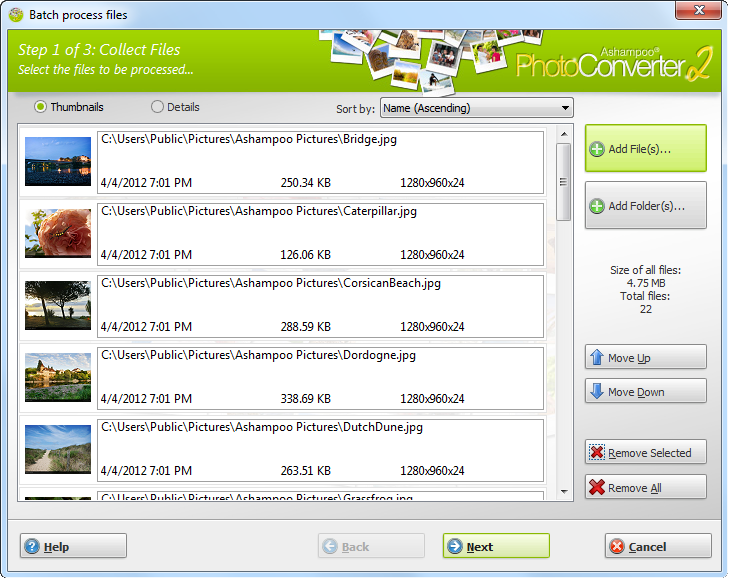
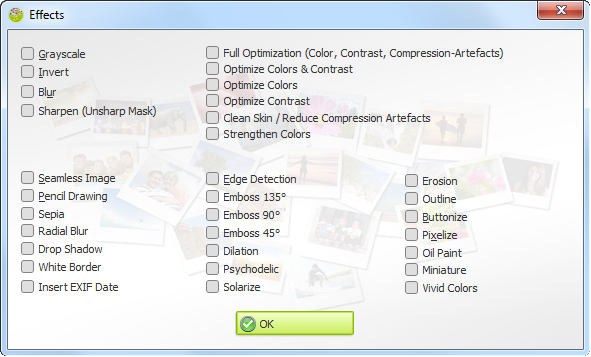
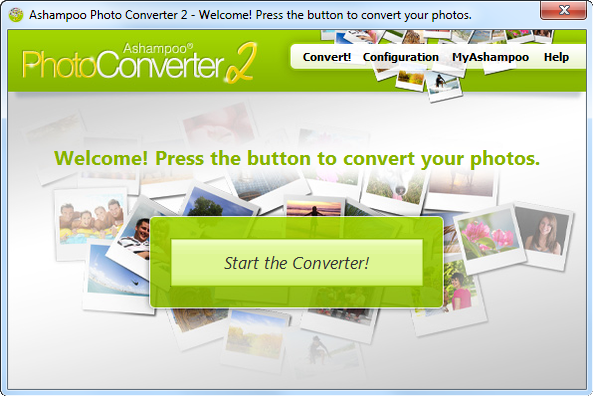
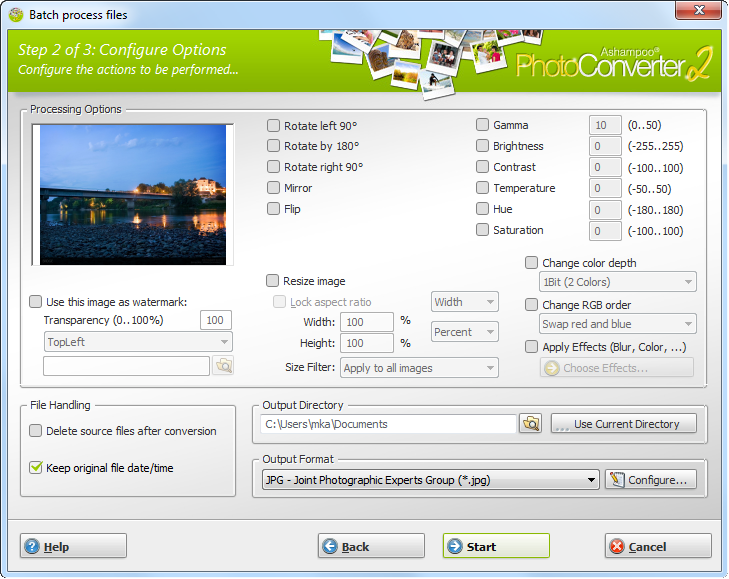
What is Ashampoo Photo Converter 2? Ashampoo Photo Converter 2 is our Swiss army knife to process your photos. No more manual sifting through heaps of photos, Ashampoo Photo Converter 2 processes entire collections in one go, whether it be 1 or 1000 files. Why Ashampoo Photo Converter 2? ... lightweight! Ashampoo Photo Converter 2 requires very little system resources which makes it ideal for both current (multi-core support) and older machines. … fast! Get results quickly. With Ashampoo Photo Converter's no-frills user interface, you will see results in a matter of seconds. … versatile! Convert, align, resize or apply sophisticated color manipulations ... There is no need for expensive image editors because Ashampoo Photo Converter 2 covers all these common image tasks with ease. New in Ashampoo Photo Converter 2 Ashampoo Photo Converter 2 our most comprehensive image converter ever! Our developers were able to greatly enhance the feature set while keeping the user interface well-structured. User Interface No more trial and error. Ashampoo Photo Converter 2 features a live preview, enabling you to freely experiment with the multitude of available features. Optimization Spare yourself the hassle of finetuning colors and contrasts and let Ashampoo Photo Converter 2 auto-determine the best settings for each of your images. And with "Clean Skin", compression artefacts are a thing of the past. Enhanced Color Manipulation Ashampoo Photo Converter 2 gives you access to more sophisticated color parameters such as color temperature, hue and saturation. Artistic Effects Let your imagination run wild with a myriad of artistic effects including Prencil Drawing, Sepia and Oil Painting. The built-in preview provides immediate feedback so feel free to explore. Auto-Insert EXIF Date Modern digital cameras store additional information such as the time an image was taken with each image file. Ashampoo Photo Converter 2 can auto-insert the creation dates into your images to help you keep track of your photos.
Requisitos
Windows
- You need the 64-bit version for the following operating systems: OS Windows® 11, Windows® 10Any device that supports the operating systems listed above. Other Microsoft Visual C++ 2015 x64 Redistributable An Internet connection is required to activate the program. The program license is verified repeatedly at regular intervals.
Entrega instantânea
Receba sua chave na hora após o pagamento
Compra segura
Pagamento criptografado e protegido
Chaves originais
Produtos 100% legítimos e garantidos
Suporte 24/7
Estamos aqui sempre que precisar
Você também pode gostar