
// Galeria
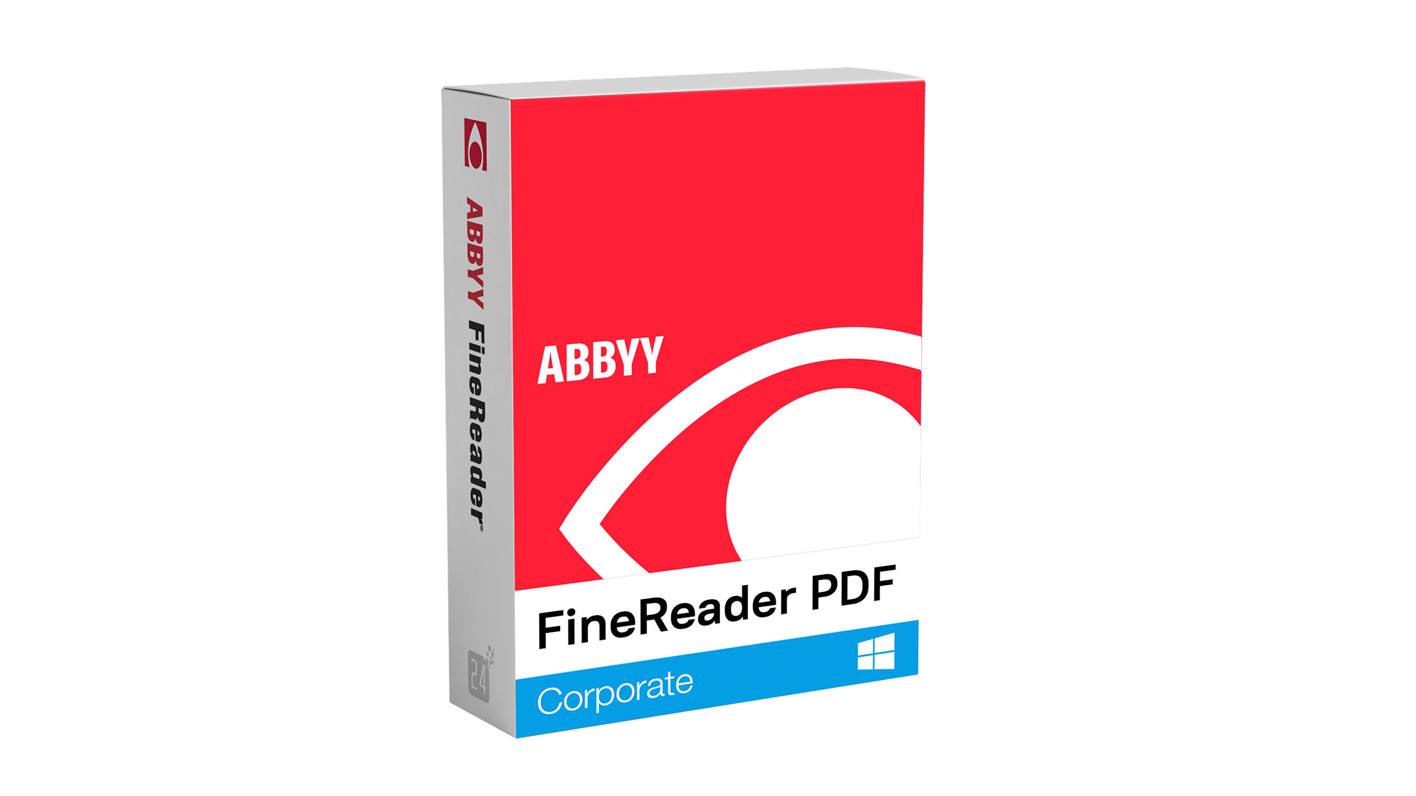
ABBYY Finereader PDF 16 Corporate EU Key (1 Year / 1 PC)
software|Other|75|Software
Nome original: ABBYY Finereader PDF 16
// idiomas
Como ativar
Download software from https://www.abbyy.com/finereader-downloads/standalone/ Install program and launch it Click activate and input received key. Internet conenction is required for activation. Licese will be bound to computer on which has been activated.
Descrição
Digitize, search, edit, store, share and collaborate on all types of documents in a single workflow. FineReader PDF enables professionals to maximize their efficiency in the world of digital work. With ABBYY's latest AI-based OCR technology, ABBYY Finereader PDF 16 Corporate makes it easy to digitize, search, edit, protect, share and collaborate on all types of documents simultaneously. Now employees can focus more on their actual skills instead of administrative tasks. Features Edit, protect and annotate PDF files Create and convert PDF files Digitize paper documents and scans with OCR Optimize digitization and conversion processes 5, 000 pages/month, 2 processor cores Compare documents in different file formats with ABBYY Finereader PDF 16 Corporate Buy ABBYY Finereader PDF 16 Corporate and enjoy the benefits Streamline document processingEasily digitize, search, edit, store, share and collaborate on all types of documents in a single workflow with ABBYY Finereader PDF 16 Corporate. Get more out of PDFEdit digital and scanned PDF files with new ease using ABBYY Finereader PDF 16 Corporate: correct entire sentences and paragraphs or even edit layouts. Digitize document workflow with ABBYY Finereader PDF 16 CorporateIntegrate paper documents into your digital work environment with AI-based OCR technology and simplify your daily work. Reduce IT costsTake advantage of one- or three-year subscriptions and volume discounts to maximize your organization's impact. Standardize software resourcesDeploy a unified PDF solution across your organization so everyone can work together seamlessly. Simplify license management with ABBYY Finereader PDF 16 CorporateReduce IT overhead with automated deployment and easy license management by purchasing ABBYY Finereader PDF 16 Corporate. Buy ABBYY Finereader PDF 16 Corporate and benefit from the new features Edit all PDF content With FineReader PDF 16, editing all PDF types, including scans, is now almost as easy as using a text editor. You can edit entire sections, change text formatting, edit table cells, and even rearrange the entire layout of each element. Export file comparison with ABBYY Finereader PDF 16 Corporate Not only can you export differences between two document versions as comments in PDFs, but now you can also export the results as Word documents in "Track Changes" mode. So you can easily accept or reject changes and complete the document. Create fillable PDF forms Create your own PDF forms or convert PDFs into fillable forms by adding fields, drop-down lists, multiple-choice questions, action buttons, and more. Use the PDF form creation features in FineReader PDF to create fillable PDFs for efficient information capture and standardized document templates! Maximize the benefits for your entire organization With the new remote user license, organizations can now use FineReader PDF with desktop and application virtualization solutions. Added new option to customize FineReader PDF settings during delivery using Group Policy objects.
Requisitos
Windows
- OS: Windows 10 / 11For working with localized interfaces corresponding language support is required Centralized deployment and virtualization Microsoft Windows Server 2022, 2019, 2016, 2012 R2 (including use with Remote Desktop, RemoteApp and Remote Desktop Web Access) Citrix Workspace App 1808 (use of installed application via access from a server), Citrix Virtual Apps and Desktops
Entrega instantânea
Receba sua chave na hora após o pagamento
Compra segura
Pagamento criptografado e protegido
Chaves originais
Produtos 100% legítimos e garantidos
Suporte 24/7
Estamos aqui sempre que precisar
Você também pode gostar