// Gallery
Mino Saga Steam CD Key
base|Steam|3|Action|Indie|Casual
Original name: Mino Saga
// languages
Specs
- // Release
- December 14, 2017
How to activate
Go to: http://store.steampowered.com/ and download STEAM client Click "Install Steam" (from the upper right corner) Install and start application, login with your Account name and Password (create one if you don't have). Please follow these instructions to activate a new retail purchase on Steam: Launch Steam and log into your Steam account. Click the Games Menu. Choose Activate a Product on Steam... Follow the onscreen instructions to complete the process. After successful code verification go to the "MY GAMES" tab and start downloading.
Description
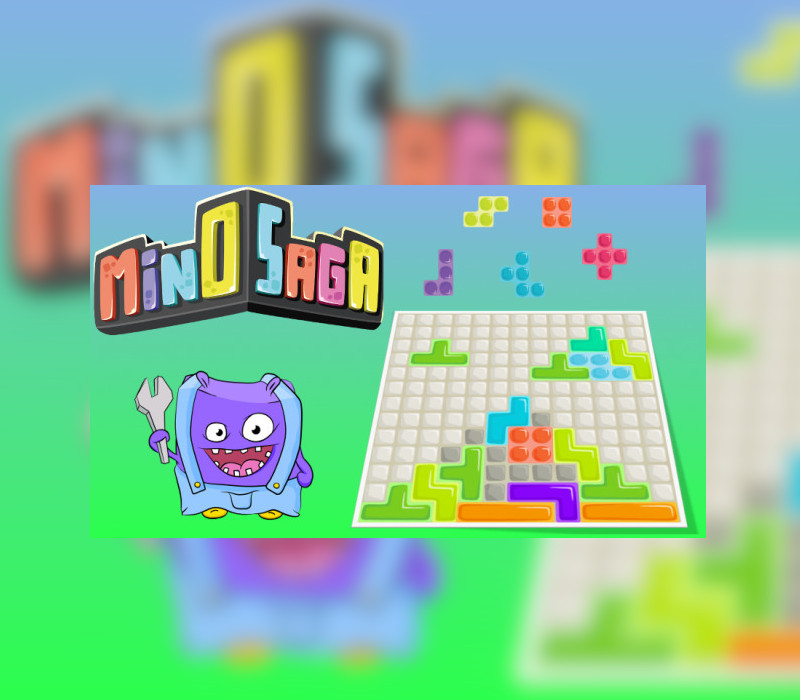
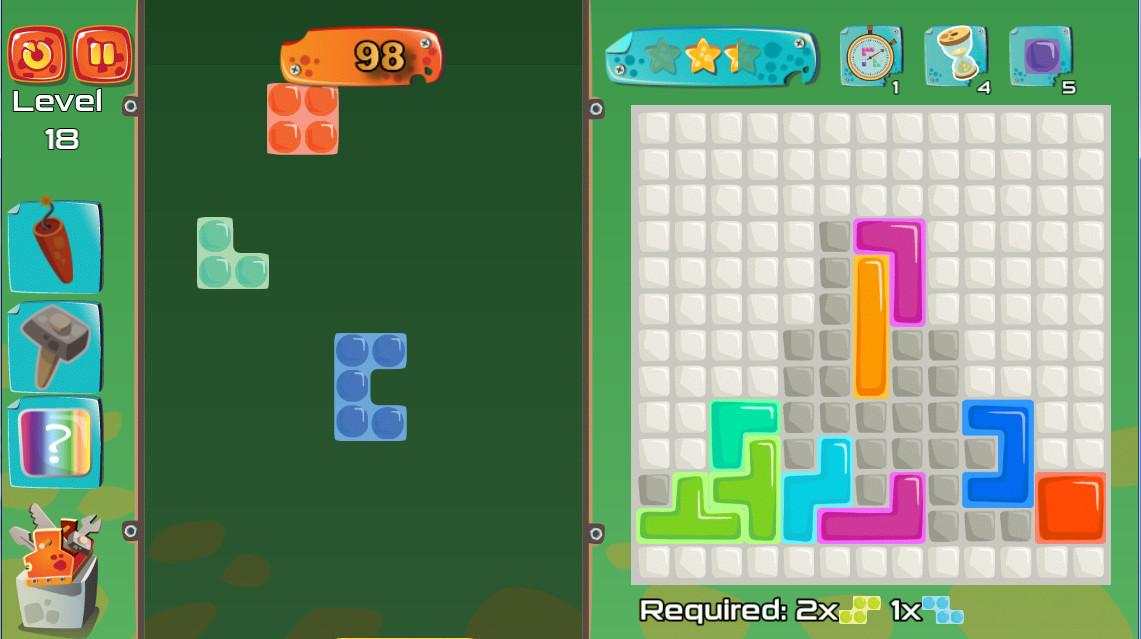
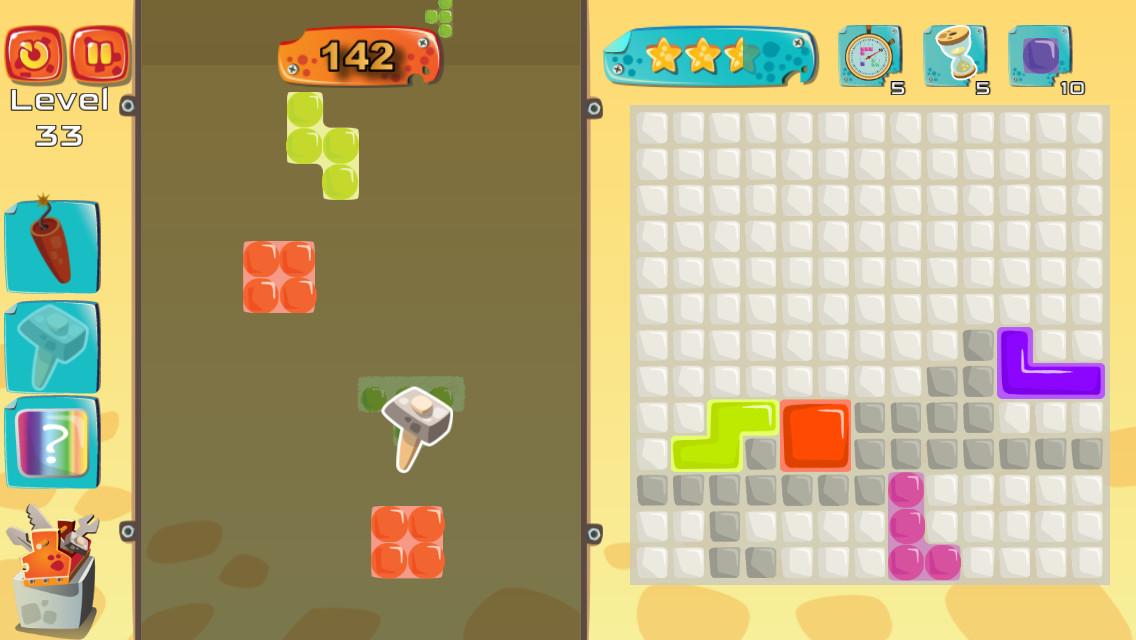
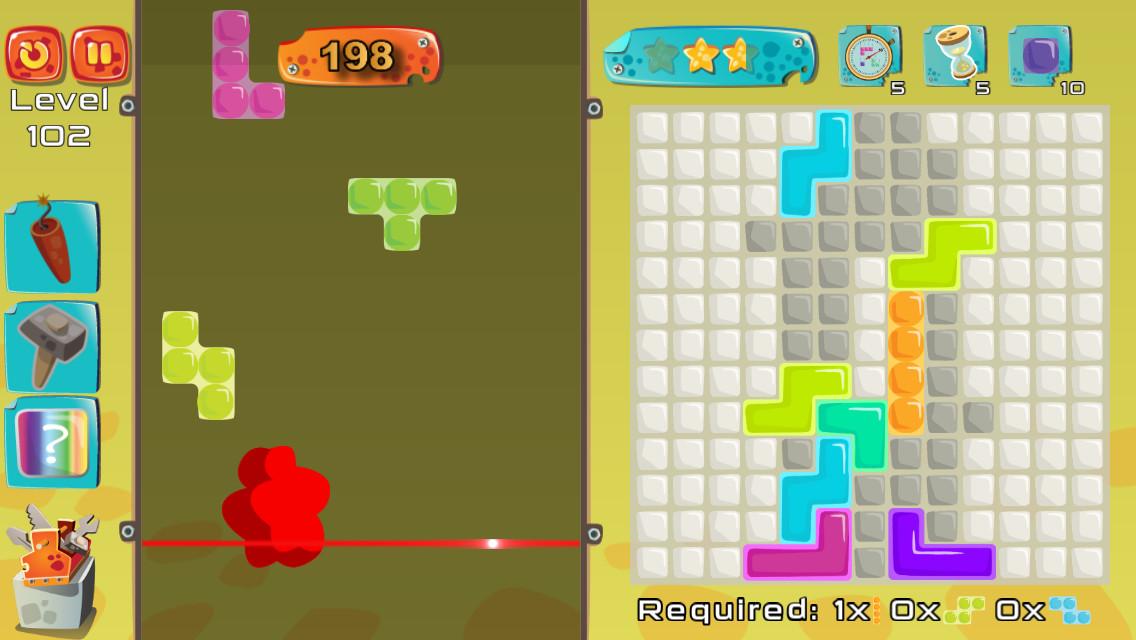
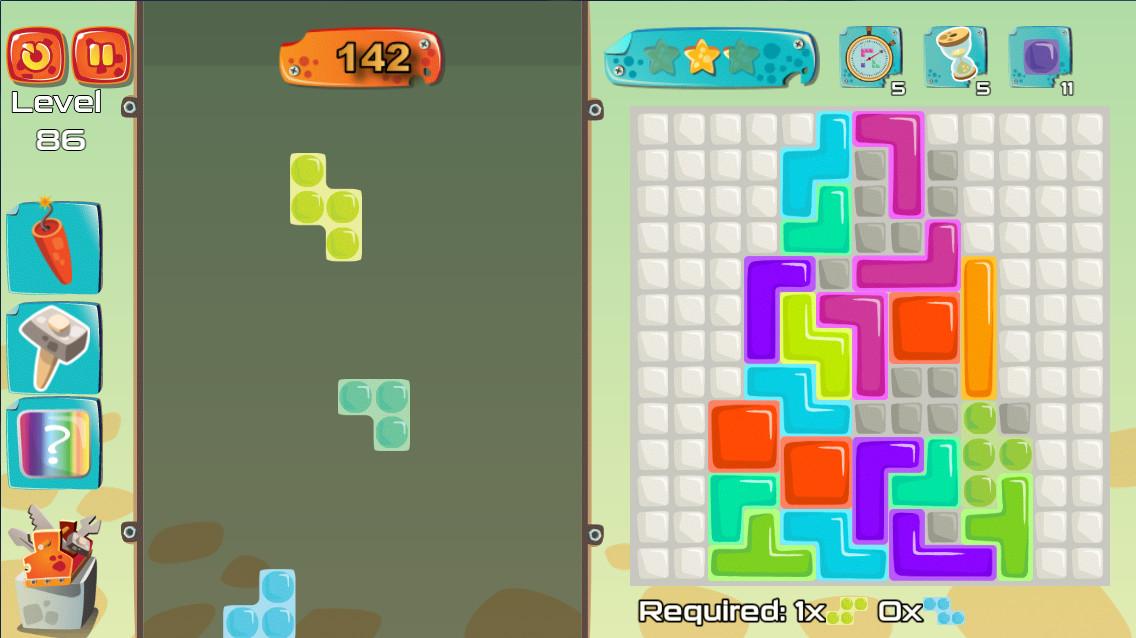
While back I watched a documentary in which the creator of popular game spoke of how he came up with the idea for the game. He was studying people and find out that people like to build things, and in this game the main objective is to build rows.I wanted to create a game where you can also build things, but a little more complicated objects not just rows, and Mino Saga was born. Features More than 200 Levels Challenging game play Store to upgrade and customize character 7 unique difficulties. 7 areas to explore Leaderboards Achivments Endless game mod
Requirements
Windows
- OS: Windows 7 SP1, Windows 8/8.1, Windows 10 (32/64bit versions) Processor: Intel Core 2 Duo E7300 @ 2.0 GHz or AMD Athlon II X2 240 @ 2.8 GHz Memory: 2 GB RAM Graphics: nVidia GeForce GTS450 or AMD Radeon HD5670 Storage: 200 MB available space Sound Card: DirectX Compatible Sound Card with latest drivers
Mac
- OS: OS X Mavericks Processor: 2 GHz Memory: 2 GB RAM Graphics: Intel HD Graphics 4000 Storage: 1 GB available space
Instant delivery
Get your key instantly after payment
Secure checkout
Encrypted and protected payment
Original keys
100% legit, guaranteed products
24/7 support
We're here whenever you need us
You might also like