
// Galerie
Lunapark VR Steam CD Key
base|Steam|3|Casual|VR Games
Nom original: Lunapark VR
// langues
Fiche technique
- // Développeur
- MMEU
- // Éditeur
- Forever Entertainment S.A.
- // Sortie
- 9 mars 2018
Comment activer
Go to: http://store.steampowered.com/ and download STEAM client Click "Install Steam" (from the upper right corner) Install and start application, login with your Account name and Password (create one if you don't have). Please follow these instructions to activate a new retail purchase on Steam: Launch Steam and log into your Steam account. Click the Games Menu. Choose Activate a Product on Steam... Follow the onscreen instructions to complete the process. After successful code verification go to the "LIBRARY" tab and start downloading.
Description
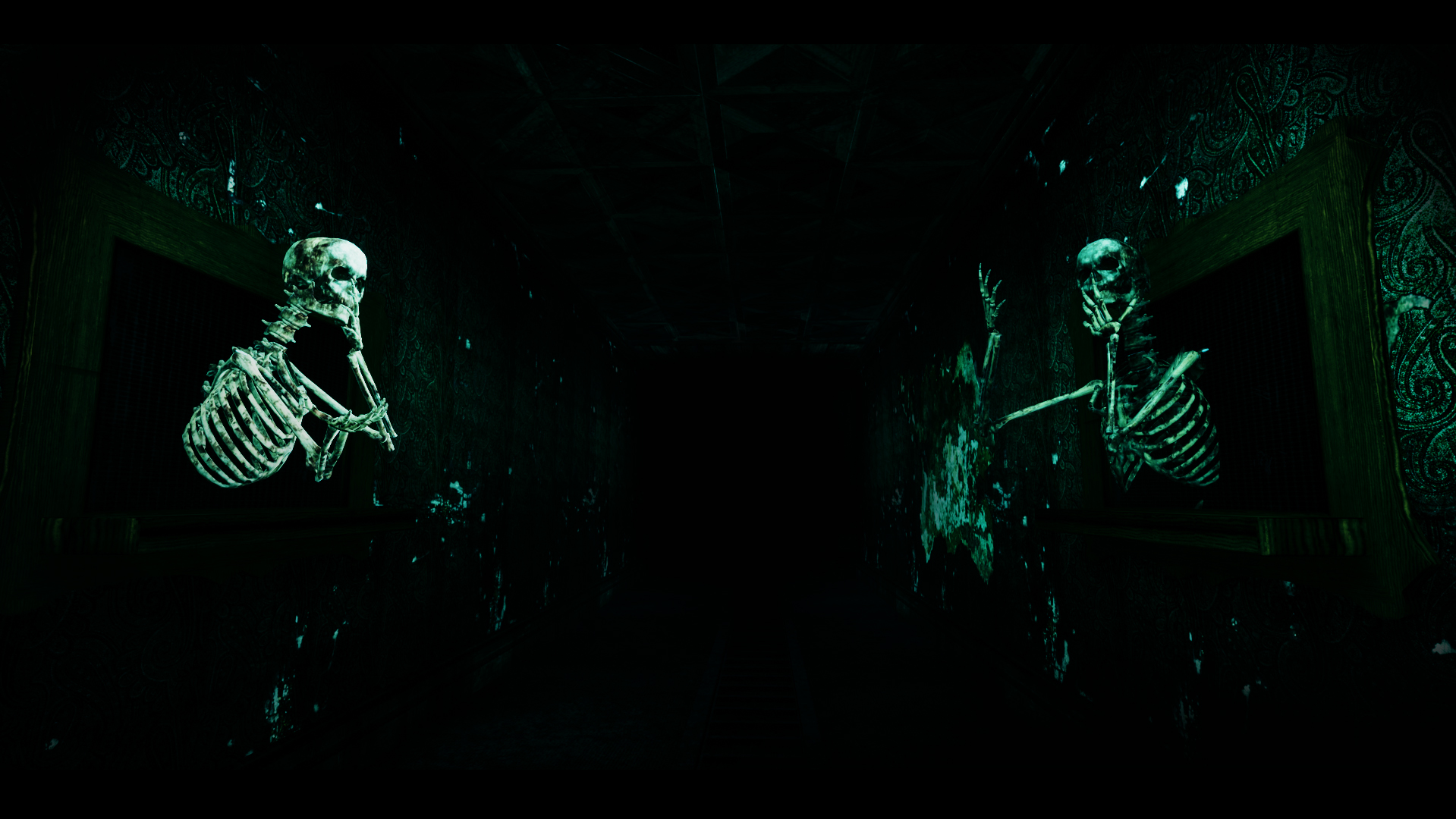
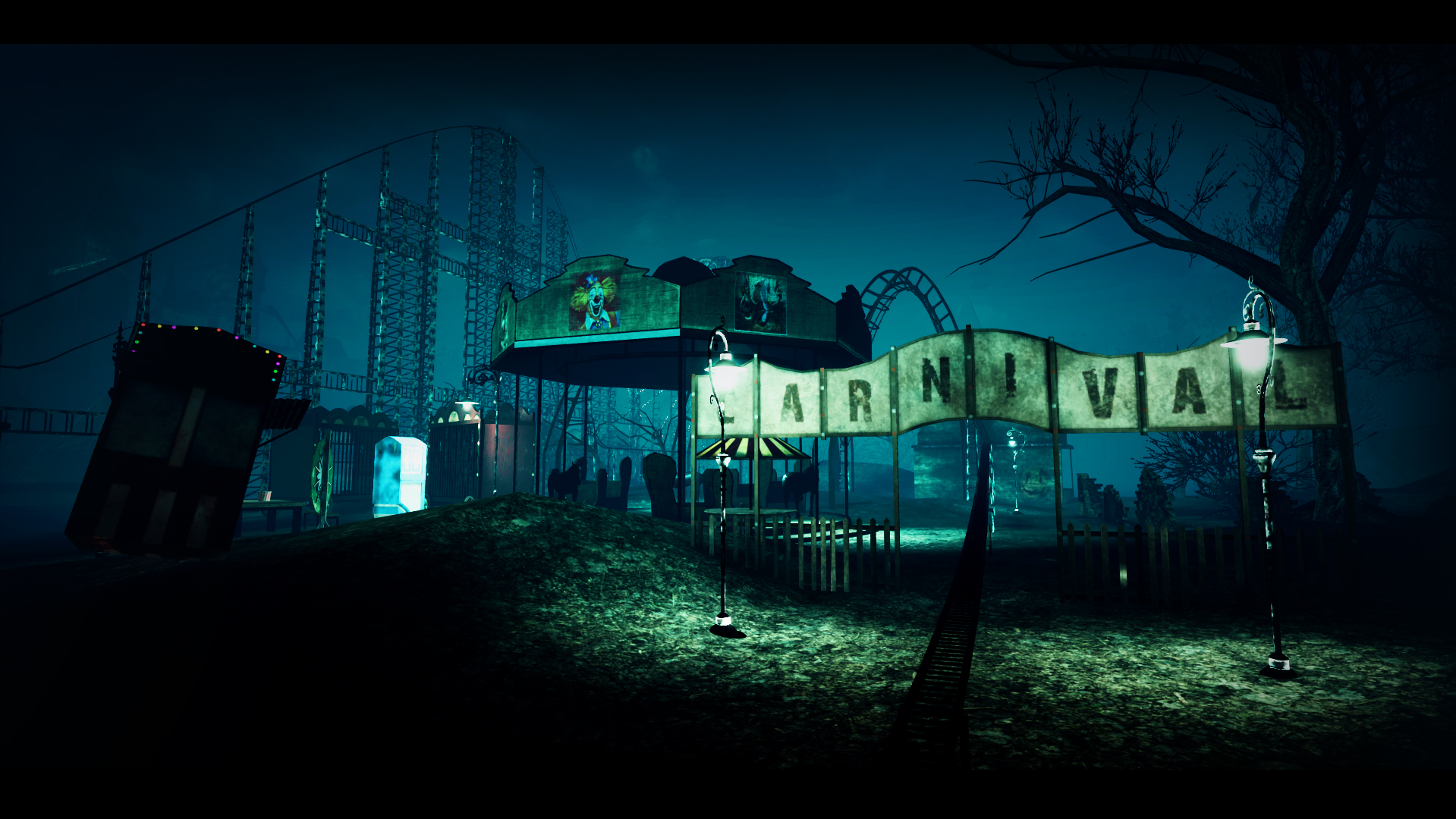
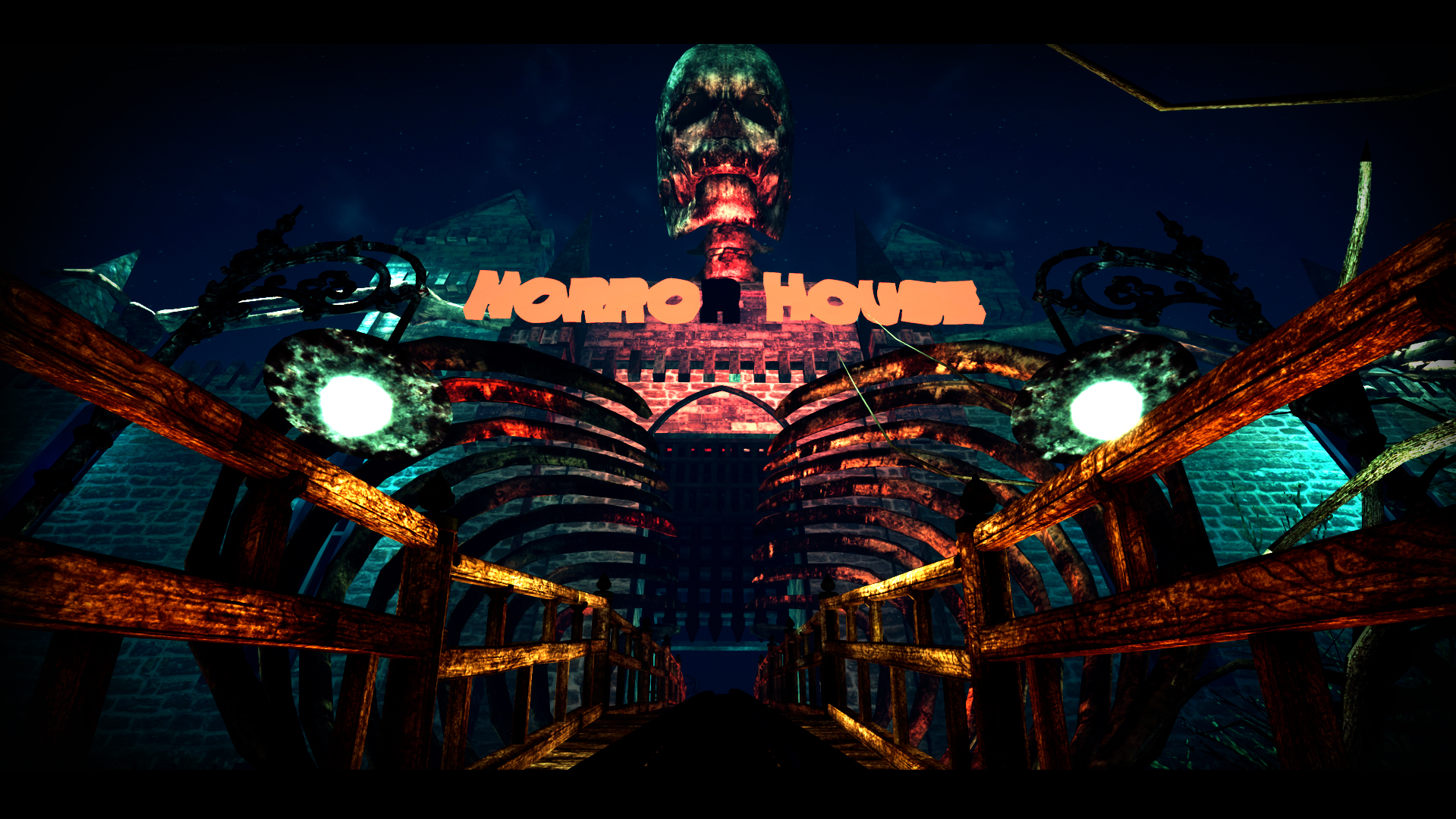
Take a wild ride in an abandoned (or is it?) amusement park! Hop into the cart to take a night ride among crazy skeletons, get bats tangled in your hair, and hold on tight, 'coz we hope you're not afraid of spiders!Lunapark Coaster will take you for a joyous ride that will give you chills and thrills with every turn! It's not for a fainthearted, as Lunapark Coaster will make your head spin and your heart drop! Admire the detailed environment, crazy creatures, complementary sound effects, and get immersed in this crazy ride!
Configuration requise
Windows
- Minimum: Requires a 64-bit processor and operating system OS: Windows 7 Processor: Intel Core i5-4440 (or equivalent) Memory: 4 GB RAM Graphics: GeForce GTX 660, AMD Radeon R9 290X DirectX: Version 11 Storage: 3 GB available space VR Support: SteamVR
Livraison instantanée
Recevez votre clé aussitôt après le paiement
Achat sécurisé
Paiement chiffré et protégé
Clés originales
Produits 100% légitimes et garantis
Support 24/7
Nous sommes là dès que vous en avez besoin
Vous pourriez aussi aimer