// Galerie
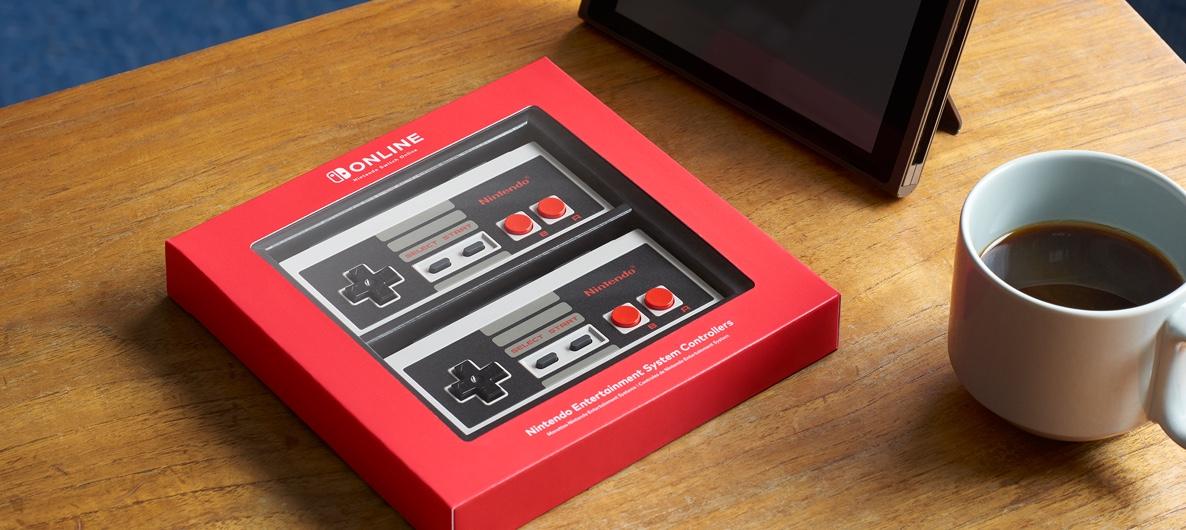
Nintendo Switch Online - 12 Months (365 Days) Individual Membership UK
prepaid|Nintendo|8
Nom original: Nintendo pre-paid
// langues
Fiche technique
- // Éditeur
- Nintendo
Comment activer
Select “Nintendo eShop” on the HOME Menu to launch the Nintendo eShop. Select the account you want to use. Select “Enter Code” on the left side of the screen. Enter the 16-character download code.Any letters and symbols not used with prepaid codes (i.e. O, I, Z, commas, hyphens, etc.) will be disabled from the on-screen keyboard. Select “Send” to confirm. The game will begin downloading once the code is confirmed.The game icon will appear on the HOME menu, with a download status bar. The status bar will disappear once the game download is complete.
Description
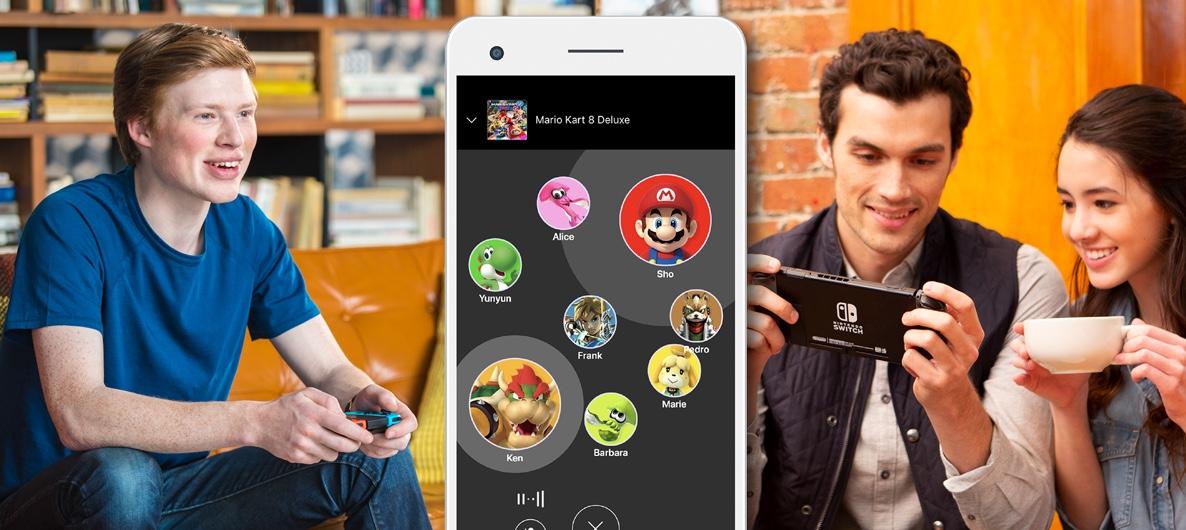
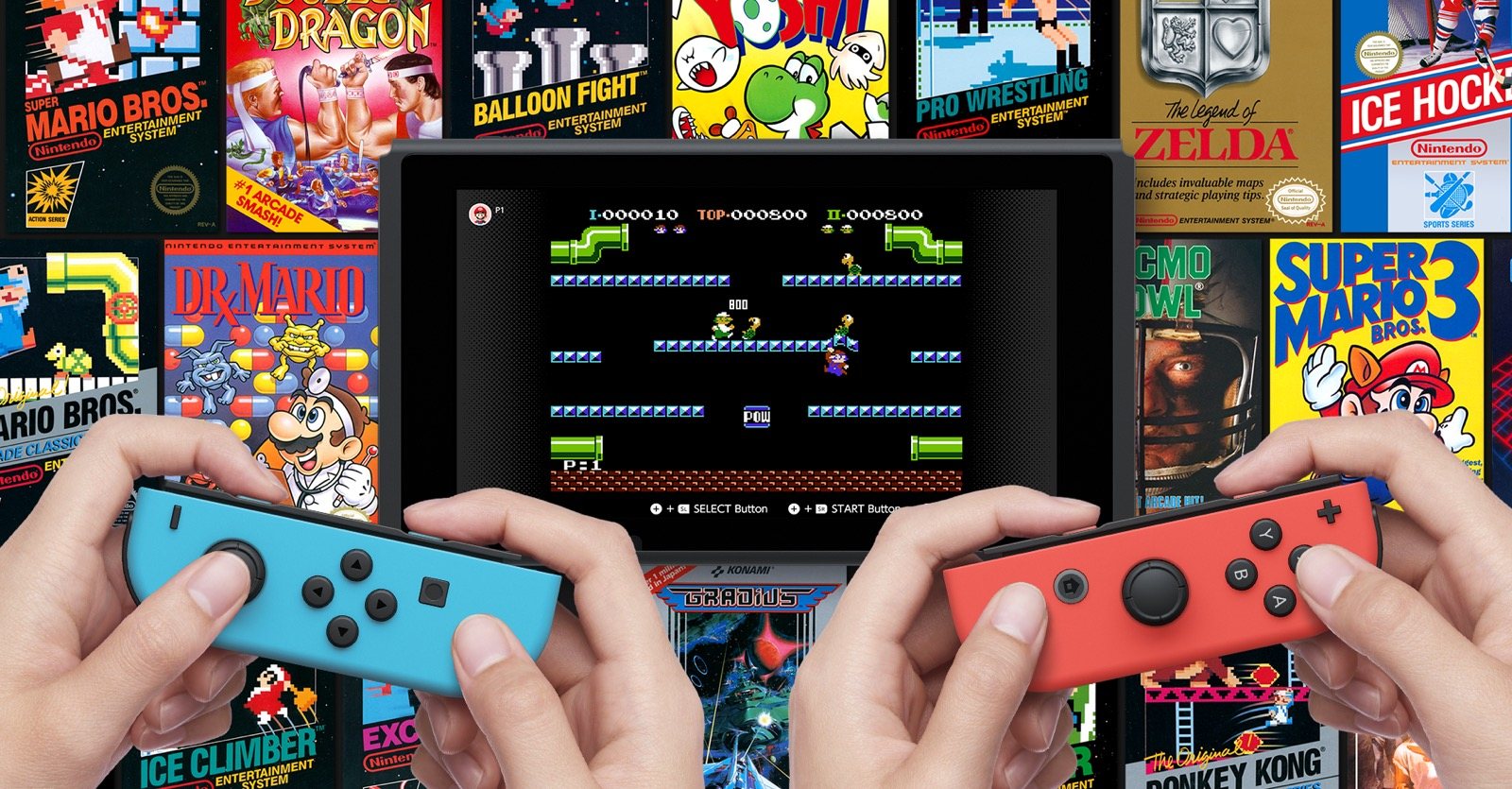
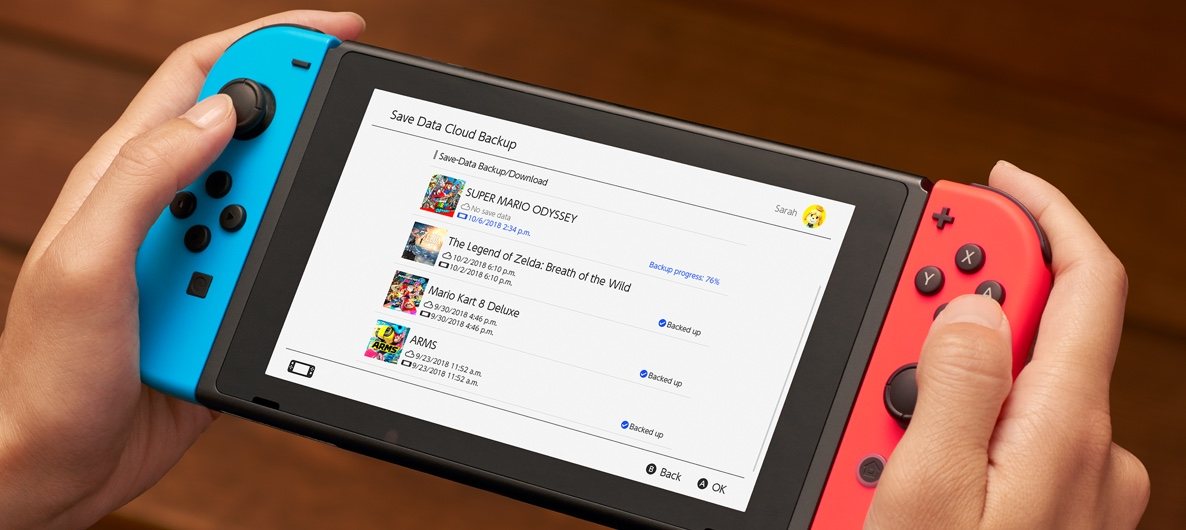
Make the most of your Nintendo Switch The paid service lets you take your gaming up a notch with online multiplayer and exclusive benefits. Features Online gameplay NES - Nintendo Switch Online Nintendo Switch Online app Save Data Cloud Special Offers Local network multiplayer Play purchased games and DLC offline Nintendo Switch system updates Access to Nintendo eShop Register Friends Share screenshots to social media Access to Nintendo Switch Parental Controls app My Nintendo rewards program (earning and using points) News on Nintendo Switch To access any of your system's online services, you'll need a Nintendo Account.
Configuration requise
Livraison instantanée
Recevez votre clé aussitôt après le paiement
Achat sécurisé
Paiement chiffré et protégé
Clés originales
Produits 100% légitimes et garantis
Support 24/7
Nous sommes là dès que vous en avez besoin
Vous pourriez aussi aimer