// Galerie
EaseUs Partition Recovery for Windows Key
software|Official Website|3|Software
Nom original: EaseUs Partition Recovery
// langues
Fiche technique
- // Développeur
- EaseUS
- // Éditeur
- EaseUS
Comment activer
To download and install the EaseUS Partition Recovery Wizard setup file click here After installing the Trial setup file open the app Click on the upgrade option (normally found on the top-right corner of the app) Click on "Enter License" Enter the license you have received after purchase Click on the Activate button and done your product will be activated
Description
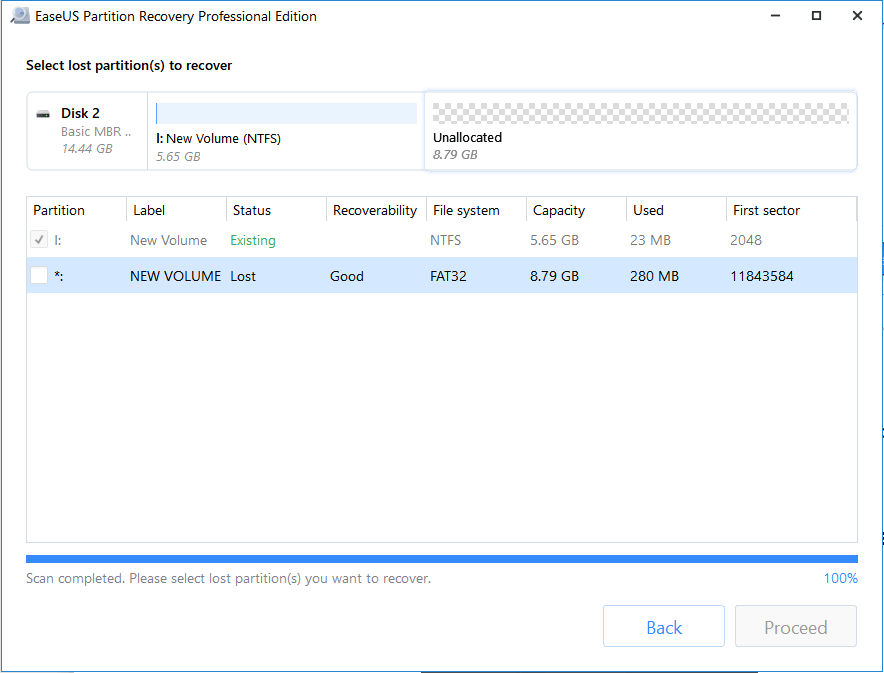
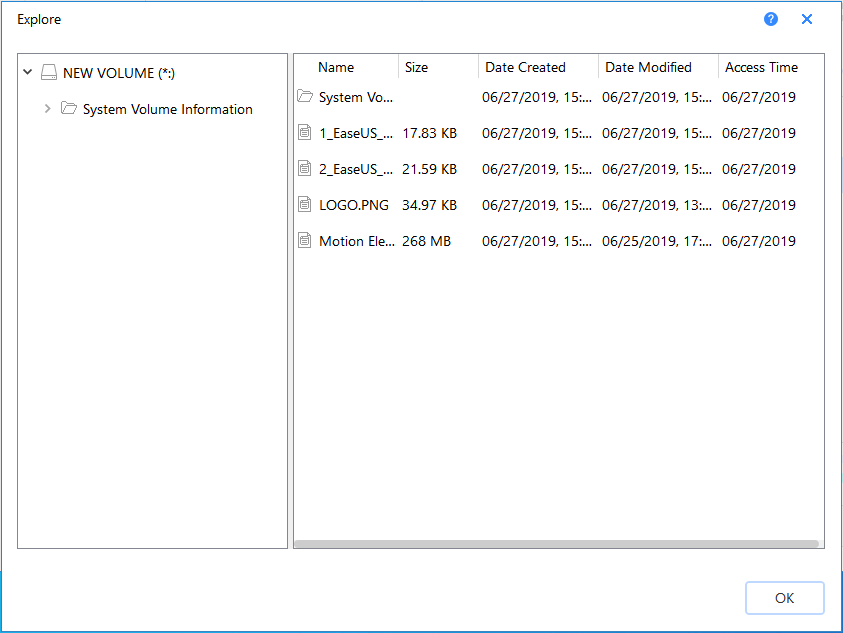
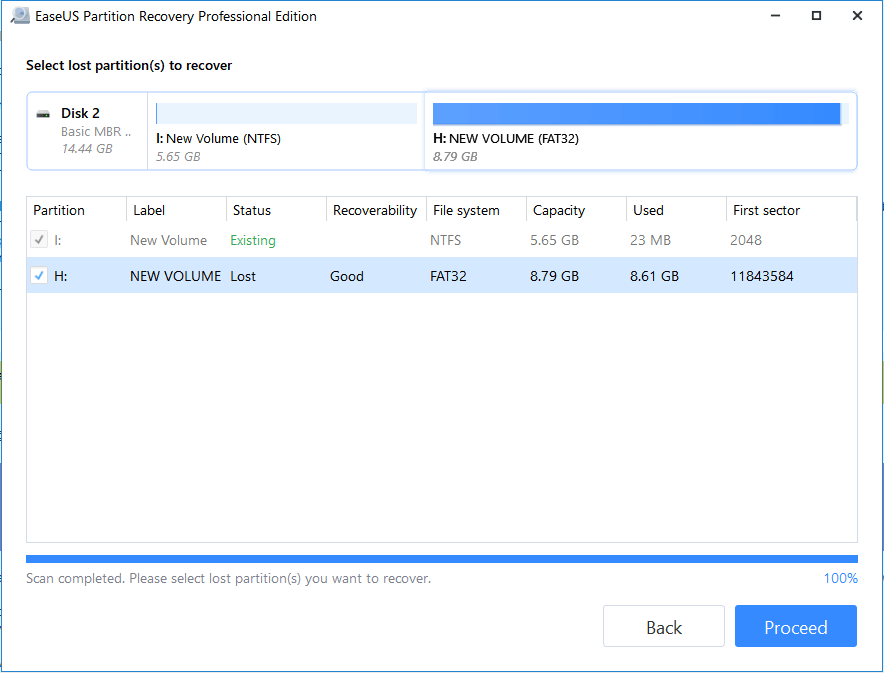
Accidentally deleted a partition or lost it after a crash or formatting? This disk partition recovery software on PC recovers deleted or lost partition. It supports all kinds of partitions including FAT, NTFS, Ext2 and Ext3 volumes in Windows with full data integrity and minimal effort.
Configuration requise
Windows
- System Requirements: Processor: 500 MHz or faster X86 compatible CPU. RAM: Minimum 512MB, 1GB recommended (2GB for Windows 8/8.1/10). Disk Space: 1GB available space for installation. Devices: Keyboard, mouse, color monitor. Windows: XP, Vista, 7, 8, 8.1, 10, 11 (32-bit & 64-bit). Windows Server: 2003, 2008, 2008 R2, 2012, 2012 R2, 2016, 2019. Privileges: Must have Administrator rights to install and run. File Systems: FAT16, FAT32, NTFS, EXT2, EXT3, EXT4. Disk Types: IDE, SATA, SCSI, iSCSI, USB, Firewire (MBR & GPT supported). Disk Capacity: Supports up to 16TB. Key Notes Internet connection is needed for activation and updates. Cannot be installed on Windows Server 2008 core mode.
Livraison instantanée
Recevez votre clé aussitôt après le paiement
Achat sécurisé
Paiement chiffré et protégé
Clés originales
Produits 100% légitimes et garantis
Support 24/7
Nous sommes là dès que vous en avez besoin
Vous pourriez aussi aimer