Activation Details
Go to: http://store.steampowered.com/ and download STEAM client
Click "Install Steam" (from the upper right corner)
Install and start application, login with your Account name and Password (create one if you don't have).
Please follow these instructions to activate a new retail purchase on Steam:
Launch Steam and log into your Steam account.
Click the Games Menu.
Choose Activate a Product on Steam...
Follow the onscreen instructions to complete the process.
After successful code verification go to the "MY GAMES" tab and start downloading.
Steam
12220
Age Rating
ESRB M
Languages
German | English | French | Spanish | Italian
Original Name
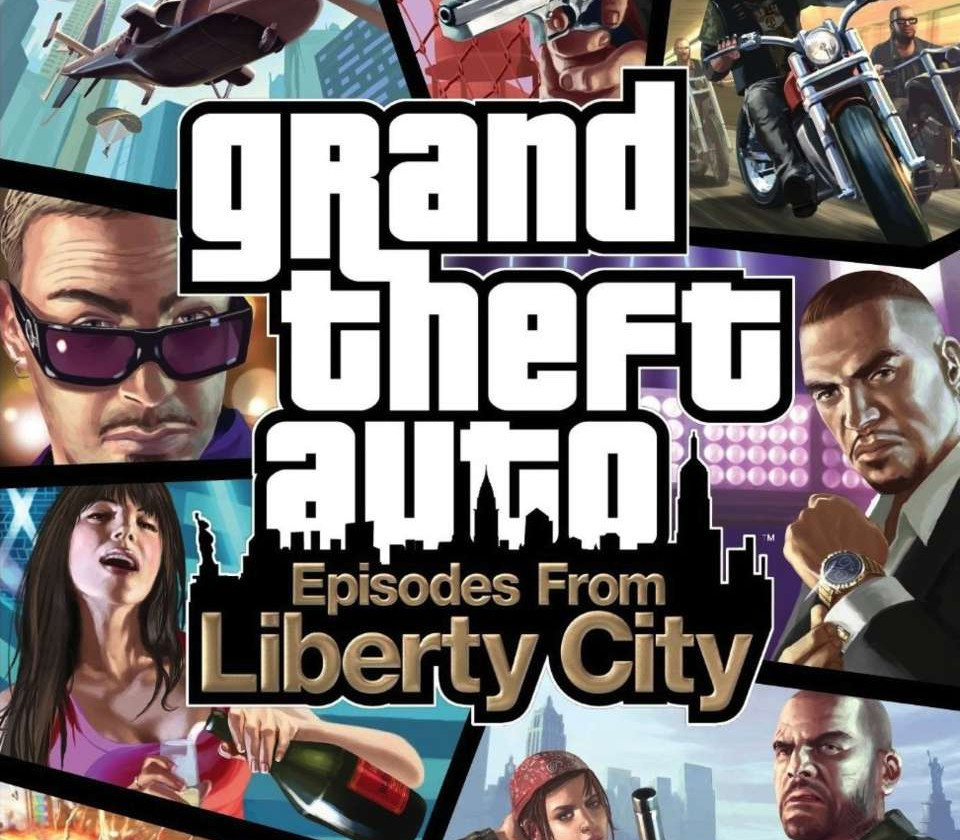
Grand Theft Auto: Episodes from Liberty City
Release Date
2010-04-13
Publishers
Rockstar Games
Developers
Rockstar Toronto | Rockstar North
Videos
https://www.youtube-nocookie.com/embed/GK5xAtCXVf0
Tags
base
Regional Limitations
Region Free
Platform
Steam
Region
Region free
Windows minimum requirements
WindowsOS:Â Windows Vista - Service Pack 1 / Windows XP - Service Pack 3Processor:Â Intel Core 2 Duo 1.8GHz, AMD Athlon X2 64 2.4GHzMemory:Â 1.5GB XP / 1.5GB VistaGraphics:Â 256MB Nvidia 7900 / 256MB ATI X1900DirectX Version:Â DirectX 9.0c Compliant CardHard Drive:Â 16GB of Hard Disc SpaceSound Card:Â 5.1 Channel Audio CardOther Requirements:Â Initial activation requires internet connection; Online play requires log-in to Games For Windows - Live and Rockstar Games Social Club (13+ to register); software installations required including Sony DADC SecuROM, Adobe Flash, DirectX, Games for Windows - LIVE, and Internet Explorer.