Activation Details
1. Go to: http://store.steampowered.com/ and download STEAM client.
2. Click "Install Steam" (from the upper right corner)
Download Steam
3. Install and start application, login with your Account name and Password (create one if you don't have).
4. Please follow these instructions to activate a new retail purchase on Steam:
Launch Steam and log into your Steam account.
Click the Games Menu.
Choose Activate a Product on Steam...
Follow the onscreen instructions to complete the process.
If you have any problems regarding key activation, please contact our Live Support.
Steam
214150
Age Rating
ESRB E
Languages
English
Original Name
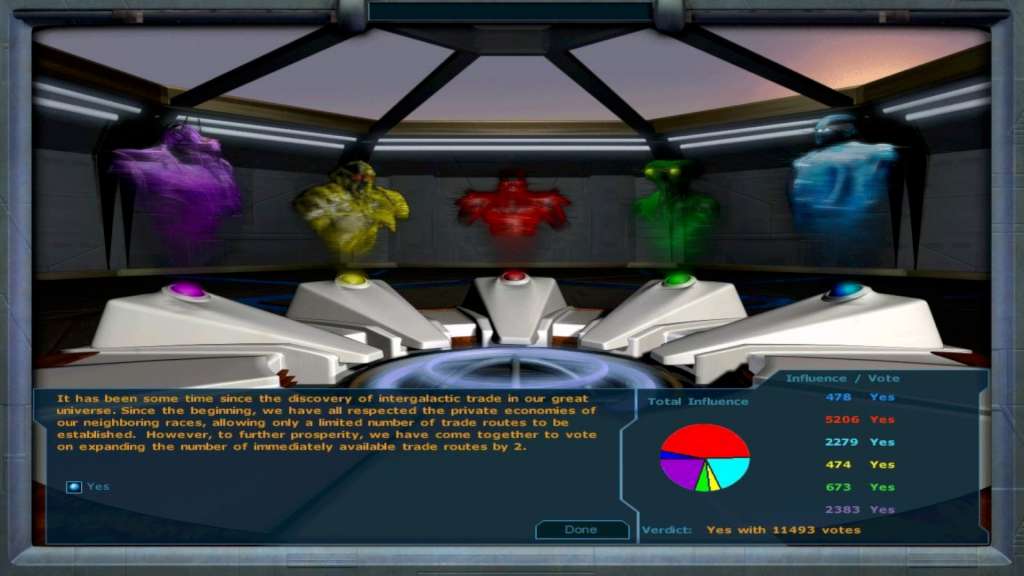
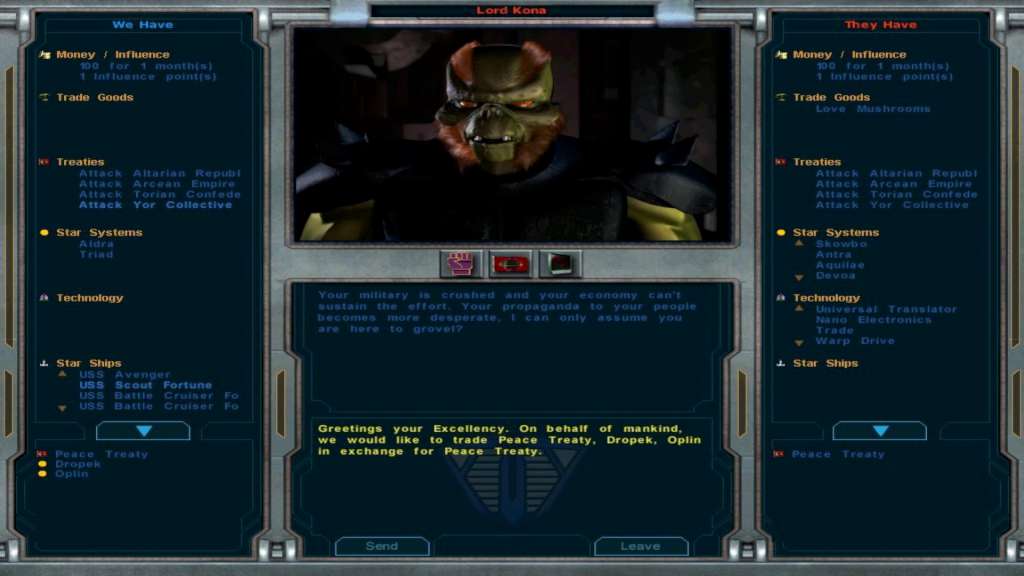
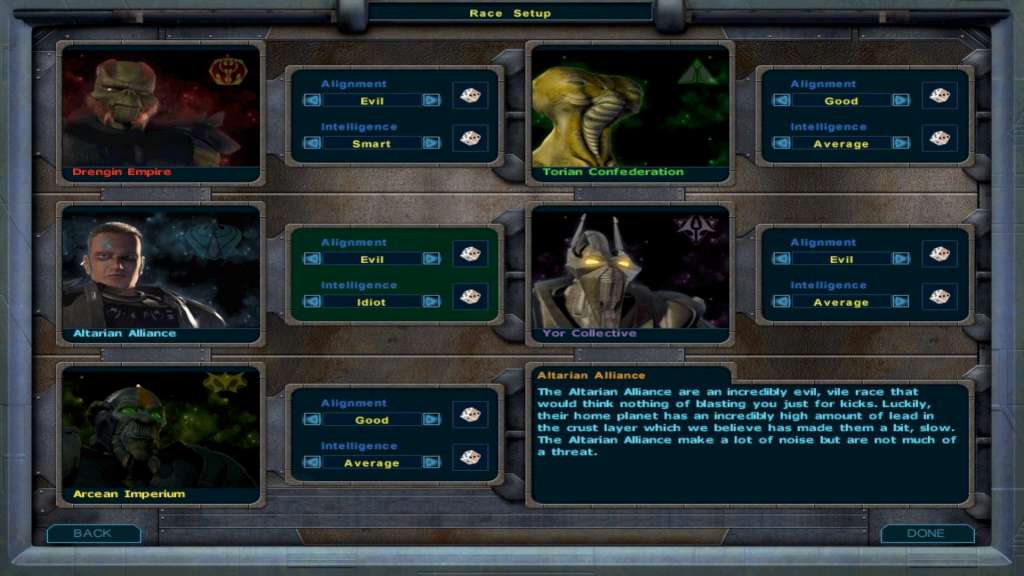
Galactic Civilizations I: Ultimate Edition
Metacritic Score
83
Release Date
2012-08-14
Publishers
Stardock Entertainment
Developers
Stardock Entertainment
Videos
https://www.youtube-nocookie.com/embed/Q3l2lh3vqIg
Tags
base
Regional Limitations
Region Free
Platform
Steam
Region
Region free
Windows minimum requirements
WindowsOS:Windows 10 / 8 / 7 SP1 / Vista SP2 / XP SP3Processor:600 MHz ProcessorMemory:128 MB RAMGraphics:8 MB DirectX 8.1 Compatible Video CardDirectX®:8.1Hard Drive:700 MB HD spaceSound:DirectX 8.1 Compatible Sound Card