Activation Details
Go to: http://store.steampowered.com/ and download STEAM client
Click "Install Steam" (from the upper right corner)
Install and start application, login with your Account name and Password (create one if you don't have).
Please follow these instructions to activate a new retail purchase on Steam:
Launch Steam and log into your Steam account.
Click the Games Menu.
Choose Activate a Product on Steam...
Follow the onscreen instructions to complete the process.
After successful code verification go to the "MY GAMES" tab and start downloading.
Steam
70000
Languages
English
Original Name
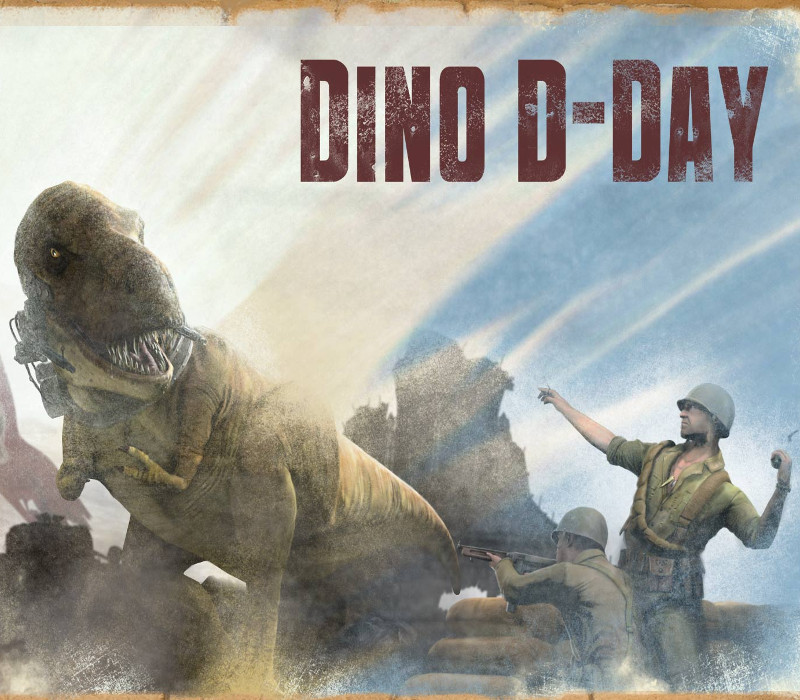
Dino D-Day
Metacritic Score
53
Release Date
2011-04-09
Publishers
800 North and Digital Ranch
Developers
800 North and Digital Ranch
Videos
https://www.youtube-nocookie.com/embed/y9I0Z82kCPM
Tags
base
Regional Limitations
Region Free
Platform
Steam
Region
Region free
Windows minimum requirements
WindowsOS: Windows XP/Vista/7Processor: 3.0 GHz P4, Dual Core 2.0 (or higher) or AMD64X2 (or higher) Memory: 2 GB RAM Hard Disk Space: 5 GB of free spaceVideo Card: Video card must be 128 MB or more and with support for Pixel Shader 2.0b (ATI Radeon X800 or higher / NVIDIA GeForce 7600 or higher / Intel HD Graphics 2000 or higher).Sound: Direct X 9.0c compatible sound cardÂ